
“The best is the enemy of the good,” a quote by Voltaire, resonates deeply in the realm of personal computing. In today’s fast-paced tech landscape, the constant pursuit of the ‘latest version’ can often overshadow the practicality of having a ‘working version’.
You’re likely no stranger to the relentless stream of new technology releases, each promising to revolutionize your computing experience. However, the reality is that the latest isn’t always the best for everyone. Making informed decisions about your technology is crucial.
This article explores the shift towards embracing what’s ‘working’ over chasing the ‘latest’, helping you make better technology decision making that suits your needs.
Key Takeaways
- Understand the difference between ‘latest version’ and ‘working version’.
- Learn how to make informed decisions about your technology.
- Discover the benefits of adopting a ‘working version’ approach.
- Explore how this shift can improve your computing experience.
- Gain insights into making technology choices that fit your needs.
The Evolution of Technology Consumption Habits
As technology continues to advance at a rapid pace, your consumption habits have undergone a significant transformation. The way you interact with technology today is vastly different from how you did a decade ago.
The shift from being an early adopter to a practical user has been a notable change. Early adopters were eager to try out new gadgets and software, often overlooking potential drawbacks. However, as technology has become more integrated into daily life, users have become more cautious, prioritizing functionality and value.
From Early Adopters to Practical Users
This transition reflects a more mature understanding of technology, where users are no longer driven solely by the desire for the latest device or feature. Instead, they consider the practical benefits and whether the technology meets their specific needs.
The Rise of Planned Obsolescence
The tech industry’s shift towards planned obsolescence has significantly influenced consumption habits. Manufacturers design products with a limited lifespan, encouraging users to upgrade frequently.
How Manufacturers Encourage Frequent Upgrades
Manufacturers use various strategies to promote frequent upgrades, including limiting software support for older devices and introducing new features that are incompatible with previous models. As
“The companies that make our gadgets and software are incentivized to keep us buying”
Why the “Latest and Greatest” Mentality Is Failing Us
The constant push for newer, better, and faster technology has profound implications on our consumption habits. As we continually upgrade, it’s essential to consider whether this approach is truly beneficial or if it’s just a product of effective marketing.
The Hidden Costs of Constant Upgrades
While the allure of the latest technology can be strong, it’s crucial to understand the hidden costs associated with frequent upgrades. These costs go beyond the initial purchase price and can have a significant impact on your finances over time.
Financial Impact Over Time
The financial implications of constantly upgrading technology can be substantial. To illustrate this, consider the following table, which outlines the potential costs over a five-year period.
| Year | Device Cost | Cumulative Cost |
|---|---|---|
| 1 | $1,000 | $1,000 |
| 2 | $1,200 | $2,200 |
| 3 | $1,500 | $3,700 |
| 4 | $1,800 | $5,500 |
| 5 | $2,000 | $7,500 |
As shown, the cumulative cost can be staggering, with a total expenditure of $7,500 over five years. This significant financial outlay could be allocated elsewhere, potentially yielding greater benefits.
Diminishing Returns in New Technology
Another critical aspect to consider is the law of diminishing returns in technology upgrades. As devices and software become increasingly sophisticated, the marginal improvements may not justify the costs.
Marginal Improvements vs. Marketing Claims
Marketing campaigns often exaggerate the benefits of new technology, making it seem like a significant upgrade. However, the actual improvements might be incremental at best. It’s essential to look beyond the marketing hype and assess the real value of new technology.
By being more discerning in your technology choices, you can make more informed long-term tech decisions that align with your actual needs.
Making Informed Technology Choices: A New Paradigm
The rapid evolution of technology demands a more thoughtful approach to selecting the right tools for your needs. As you navigate the complex tech landscape, making informed decisions is crucial to ensure you’re getting the best value without unnecessary features.
Defining Your Actual Computing Needs
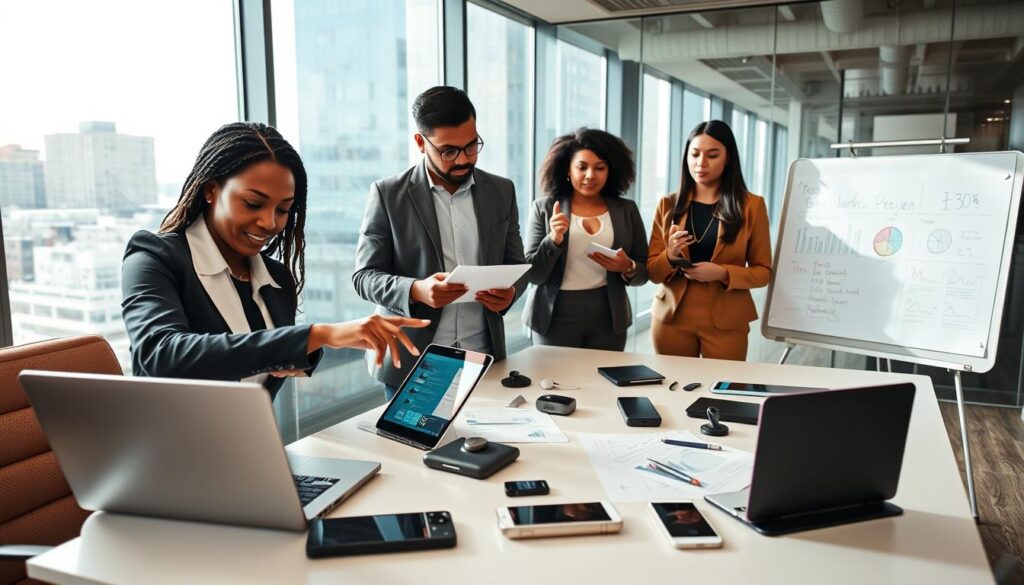
Understanding your specific requirements is the first step in making informed technology choices. This involves assessing whether your technology use is for personal or professional purposes.
Personal Use vs. Professional Requirements
For personal use, you might prioritize ease of use and entertainment features. In contrast, professional requirements may demand more robust performance, security, and compatibility with other tools.
Value Assessment Beyond Marketing Hype
Once you’ve defined your needs, it’s essential to look beyond the marketing hype and evaluate the actual value of a technology product.
Metrics That Actually Matter for Performance
Key performance metrics include processing speed, memory capacity, and battery life for hardware, and features like security updates, user interface, and compatibility for software.
| Metric | Personal Use | Professional Use |
|---|---|---|
| Processing Speed | Moderate | High |
| Memory Capacity | Average | High |
| Battery Life | Long | Variable |
By focusing on these metrics and aligning them with your actual needs, you can make more informed technology choices that enhance your productivity and satisfaction.
The Environmental Impact of Upgrade Culture
The environmental consequences of our technology habits are becoming increasingly apparent. As we continue to upgrade and discard devices, we’re contributing to a growing e-waste crisis that threatens our planet.
E-Waste Crisis and Sustainability Concerns
The rapid obsolescence of technology is resulting in massive amounts of electronic waste. This not only harms the environment but also wastes valuable resources. Understanding tech tradeoffs is crucial in making more sustainable choices.
Extended Device Lifecycles as Environmental Activism
By choosing to keep your devices for longer, you’re making a positive impact on the environment. This simple act can significantly reduce e-waste and support more sustainable consumption habits.
How Keeping Devices Longer Makes a Difference
Extending the life of your devices can have several benefits, including:
- Reducing the demand for new, resource-intensive devices
- Lowering the amount of e-waste sent to landfills
- Conserving the energy and materials used in manufacturing
Making long term tech decisions is not only good for the planet, but it can also save you money and reduce the stress associated with frequent upgrades.
Software Bloat and Hardware Requirements
As technology advances, the software that runs on our devices often becomes more demanding, leading to a phenomenon known as software bloat. This increase in complexity can result in slower performance, even on devices that were once considered high-end.
When Updates Make Things Worse
Software updates are intended to improve functionality and security, but they can sometimes have the opposite effect. Updates can introduce new features that consume more system resources, potentially slowing down your device.
Examples of Performance Degradation After Updates
Many users have experienced a noticeable decrease in performance after updating their operating system or applications. For instance, older devices might struggle with the latest version of a popular operating system due to increased hardware requirements.
| Device Age | Pre-Update Performance | Post-Update Performance |
|---|---|---|
| Less than 2 years | Fast | Minimal Impact |
| 2-4 years | Good | Noticeable Slowdown |
| More than 4 years | Slow | Significant Degradation |
Balancing New Features Against Performance
When making technology decisions, it’s crucial to weigh the benefits of new features against potential performance costs. This involves assessing whether the updates are essential for your needs or if they’re merely adding to software bloat.
Identifying Unnecessary Software Additions
Users should regularly review the software installed on their devices to identify any unnecessary applications or background processes that could be impacting performance. By doing so, you can make informed decisions about which updates are truly necessary.
“The key to maintaining optimal performance is not just about having the latest software, but also about being mindful of the resources those updates consume.”
By being mindful of software bloat and its impact on hardware requirements, you can make more informed technology choices that balance the desire for new features with the need for efficient performance.
The Security Myth: Do You Always Need the Latest Version?
The assumption that the latest version is always necessary for security purposes is a myth that warrants scrutiny. While security updates are crucial, not all updates are created equal. Understanding the difference can help you make informed technology choices that balance security needs with other considerations.
Essential vs. Non-Essential Security Updates
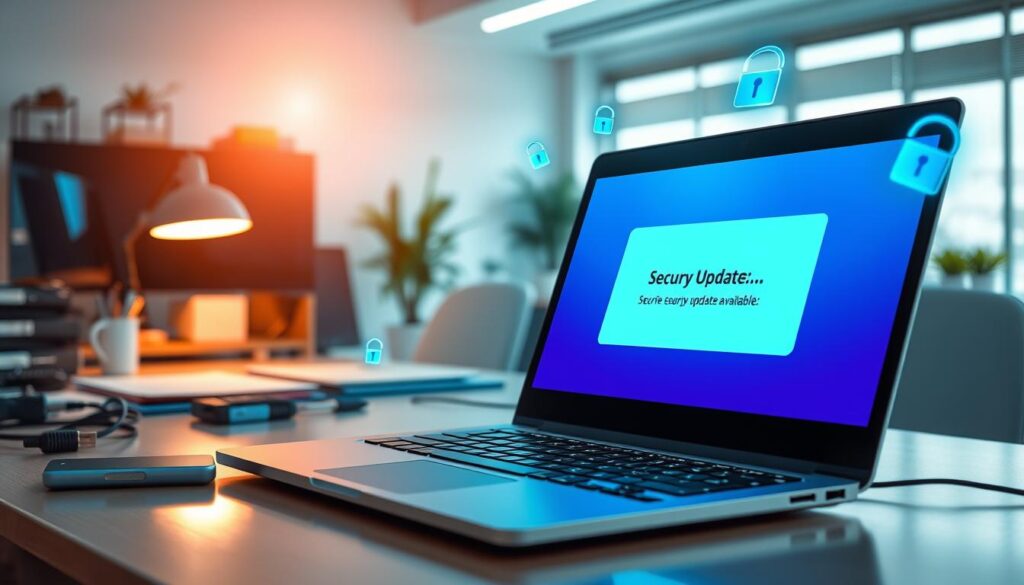
Security updates can be categorized into essential and non-essential updates. Essential updates patch critical vulnerabilities that could be exploited by attackers, while non-essential updates might add new features or make minor improvements. To make long term tech decisions, it’s vital to identify which updates are critical.
How to Identify Critical Security Patches
To identify critical security patches, look for updates that address known vulnerabilities with a high CVSS score. For instance, updates that fix vulnerabilities that are already being exploited in the wild are typically critical. You can also check the software vendor’s advisory pages for information on the severity of the update.
Alternative Security Strategies for Older Systems
For older systems that are no longer receiving official security updates, alternative security strategies can be employed. One such strategy is using third-party security solutions.
Third-Party Security Solutions for Legacy Systems
Third-party security solutions can provide an additional layer of protection for legacy systems. For example, using a robust antivirus program or a firewall can help mitigate some of the risks associated with outdated software. As noted by security expert Bruce Schneier, “The best defense against malware is a multi-layered defense.”
“The best defense against malware is a multi-layered defense.”
Making informed decisions about when to update and when to use alternative security measures is key to maintaining security without always needing the latest version. By understanding the nature of security updates and employing alternative strategies, you can make long term tech decisions that are both secure and cost-effective.
| Update Type | Description | Importance Level |
|---|---|---|
| Critical Security Update | Patches high-risk vulnerabilities | High |
| Non-Essential Update | Adds new features or minor improvements | Low |
| Third-Party Security Solution | Provides additional security for legacy systems | Medium |
Understanding Tech Tradeoffs in Long-Term Usage
When considering long-term technology usage, understanding the tradeoffs is crucial. As you navigate the complex landscape of technological advancements, you’re faced with decisions that impact both the functionality and longevity of your devices and systems.
Stability vs. New Features
The debate between stability and new features is a common tradeoff in technology. While newer features can enhance user experience, they often come at the cost of stability. Reliability is paramount for long-term usage, as it ensures that your technology continues to function effectively over time.
When Reliability Outweighs Innovation
In many cases, the benefits of new features are outweighed by the importance of reliability. For critical systems or daily drivers, stability should be the priority. This is particularly true in professional settings where downtime can result in significant losses.
Compatibility Considerations
Another crucial aspect of long-term technology usage is compatibility. As technology evolves, ensuring that your devices and software remain compatible is vital. Avoiding software and hardware orphaning is key to maintaining a functional ecosystem.
Avoiding Software and Hardware Orphaning
Software and hardware orphaning occurs when manufacturers cease to support certain products. To avoid this, it’s essential to choose technologies with a clear upgrade path and consider the manufacturer’s commitment to supporting their products over time. This consideration is vital for choosing technology wisely.
Privacy vs. Convenience Choices in Modern Computing
As you navigate the complex world of modern computing, you’re constantly faced with choices that pit privacy against convenience. The decisions you make about the technology you use can significantly impact your digital life.
How Newer Isn’t Always Better for Privacy
Newer software and hardware often come with enhanced features that can improve convenience, but they can also increase data collection, potentially compromising your privacy. It’s essential to understand that the latest version isn’t always the most private or secure.
Increased Data Collection in Modern Software
Modern software frequently includes data collection mechanisms that can gather extensive information about your usage patterns, location, and personal preferences. This data is often used for targeted advertising or sold to third parties, raising significant privacy concerns.
Evaluating Data Collection in Software Updates
When evaluating software updates, it’s crucial to consider the privacy implications. Look for updates that explicitly state their data collection practices and opt-out options if available.
Tools to Monitor Privacy Impact
Utilizing tools designed to monitor and manage data collection can help you make informed decisions. These tools can alert you to potential privacy risks and provide insights into how your data is being used.
By being mindful of the trade-offs between privacy and convenience, you can make more informed choices about the technology you use. This awareness enables you to strike a balance that aligns with your personal values and priorities.
Practical Strategies for Choosing Technology Wisely
As technology continues to evolve, developing a personal technology roadmap becomes essential for making informed decisions about your tech investments. This involves assessing your current technology setup and identifying future needs.
Creating a Personal Technology Roadmap
To create an effective roadmap, start by evaluating your current technology usage. Consider what works well and what doesn’t, and identify areas for improvement.
Planning Upgrades Based on Genuine Need
Rather than upgrading for the sake of having the latest technology, focus on genuine needs. Ask yourself if the new technology will significantly improve your productivity or quality of life.
When to Upgrade vs. When to Maintain
Deciding whether to upgrade or maintain your current technology depends on several factors, including performance, compatibility, and cost.
Decision Framework for Technology Investments
Use the following table to help guide your decision-making process:
| Factor | Upgrade | Maintain |
|---|---|---|
| Performance | Significantly improved performance | Current performance is satisfactory |
| Compatibility | New technology is incompatible with current setup | Current technology remains compatible |
| Cost | Cost of upgrade is justified by benefits | Cost of upgrade outweighs benefits |
By following this framework and focusing on long term tech decisions, you can make more informed choices about your technology investments. This approach helps in choosing technology wisely and ensures that your technology serves your needs effectively.

Case Studies: Success Stories of “Working Version” Philosophy
The “working version” philosophy has gained traction among businesses and individuals seeking to make informed technology choices. By focusing on stability and longevity, they have achieved significant benefits.
Business Environments That Prioritize Stability
Several businesses have successfully adopted the “working version” approach, prioritizing stability over the latest technology trends. This shift has allowed them to optimize their technology investments.
Enterprise Lessons for Personal Computing
Enterprises that adopt the “working version” philosophy often see improved system reliability and reduced maintenance costs. These lessons can be applied to personal computing, enabling individuals to create more sustainable technology setups.
Personal Computing Setups That Stand the Test of Time
Individuals who have embraced the “working version” philosophy report greater satisfaction with their technology choices. By understanding tech tradeoffs, they can make more informed decisions.
Real-World Examples of Long-Lasting Systems
| System Component | Typical Lifespan | Extended Lifespan |
|---|---|---|
| Desktop Computer | 3-4 years | 6-8 years |
| Laptop | 2-3 years | 5-6 years |
| Smartphone | 1-2 years | 3-4 years |
By adopting the “working version” philosophy, individuals and businesses can create technology setups that stand the test of time, making informed technology choices and understanding tech tradeoffs.
Tools and Resources for Making Long-Term Tech Decisions
Effective technology decision making involves leveraging various tools and resources to ensure you’re making the most informed choices for your long-term technology needs.
Software for Maintaining Older Systems
One crucial aspect of long-term tech decisions is maintaining older systems. This can be achieved through the use of specialized software.
Performance Optimization Tools
Tools like CCleaner and Glary Utilities can help optimize the performance of older systems by cleaning up unnecessary files and registry entries.
- Disk Cleanup Tools: Help remove temporary files and system files that are no longer needed.
- Registry Cleaners: Fix issues in the registry that can slow down your system.
- Startup Managers: Allow you to control which programs launch at startup, improving boot times.
Communities Supporting Extended Hardware Lifecycles
Beyond software, communities play a vital role in supporting extended hardware lifecycles.
Finding Support Beyond Official Channels
Communities such as Reddit’s r/techsupport and various forum boards dedicated to specific hardware or software can provide valuable advice and troubleshooting tips.
“The most important thing in communication is hearing what isn’t said.” –
By leveraging these tools and resources, you can make more informed technology decisions that support your long-term goals.
Conclusion: Finding Your Balance in the Technology Lifecycle
As you’ve navigated the complexities of technology consumption, it’s clear that finding your balance in the technology lifecycle requires a nuanced approach. By understanding the evolution of technology consumption habits and the environmental impact of upgrade culture, you can make more informed technology choices that align with your needs.
Making long term tech decisions involves weighing the benefits of new technology against the costs and considering the tradeoffs involved. By adopting the “working version” philosophy, you’ll be able to create a technology ecosystem that meets your needs and supports your long-term goals.
To achieve this balance, focus on defining your actual computing needs, assessing the value of new technology, and leveraging the right tools and resources. By doing so, you’ll be able to make informed decisions that enhance your technology experience and reduce unnecessary upgrades.
FAQ
What are the key factors to consider when making technology decisions?
When making technology decisions, you should consider your actual computing needs, the value assessment beyond marketing hype, and the long-term implications of your choices, including the environmental impact and potential tradeoffs between factors like stability, new features, and privacy.
How can I determine whether I need to upgrade my technology or maintain my current setup?
To decide whether to upgrade or maintain your current technology, you should create a personal technology roadmap, plan upgrades based on genuine need, and use a decision framework that considers factors like performance, compatibility, and security.
What are some strategies for extending the lifecycle of my devices and reducing e-waste?
You can extend the lifecycle of your devices by maintaining them properly, using software and performance optimization tools, and exploring alternative security strategies for older systems, ultimately reducing e-waste and making a positive environmental impact.
How do I balance the need for new features with the potential risks of decreased performance or stability?
To balance the need for new features with potential risks, you should evaluate the tradeoffs involved, prioritize stability when necessary, and identify unnecessary software additions that may be impacting performance, ultimately making informed decisions that meet your needs.
What role do communities and resources play in supporting extended hardware lifecycles?
Communities and resources, such as software for maintaining older systems and performance optimization tools, can provide valuable support for extending hardware lifecycles, helping you make informed decisions and keep your technology running smoothly.
How can I make more informed decisions about technology that align with my goals and budget?
By understanding your actual computing needs, assessing the value of new technology beyond marketing claims, and considering long-term implications, you can make more informed decisions that align with your goals and budget, ultimately adopting a “working version” philosophy that prioritizes stability and longevity.